
Defined dialogue
Vocal-presence control designed to preserve natural tone while improving intelligibility.
AUDIMIUM / CINEMA AVAILABLE
Take control of movie and TV audio on Windows. Bring dialogue controls, EQ and visual analysis together to tailor your listening experience.
Processing the Windows audio output requires Equalizer APO and a configured, compatible output. Channel routing depends on your device and Windows settings.
Designed for the session
Dialogue, equalization, dynamic headroom and spectral reading stay visible without competing with the content.
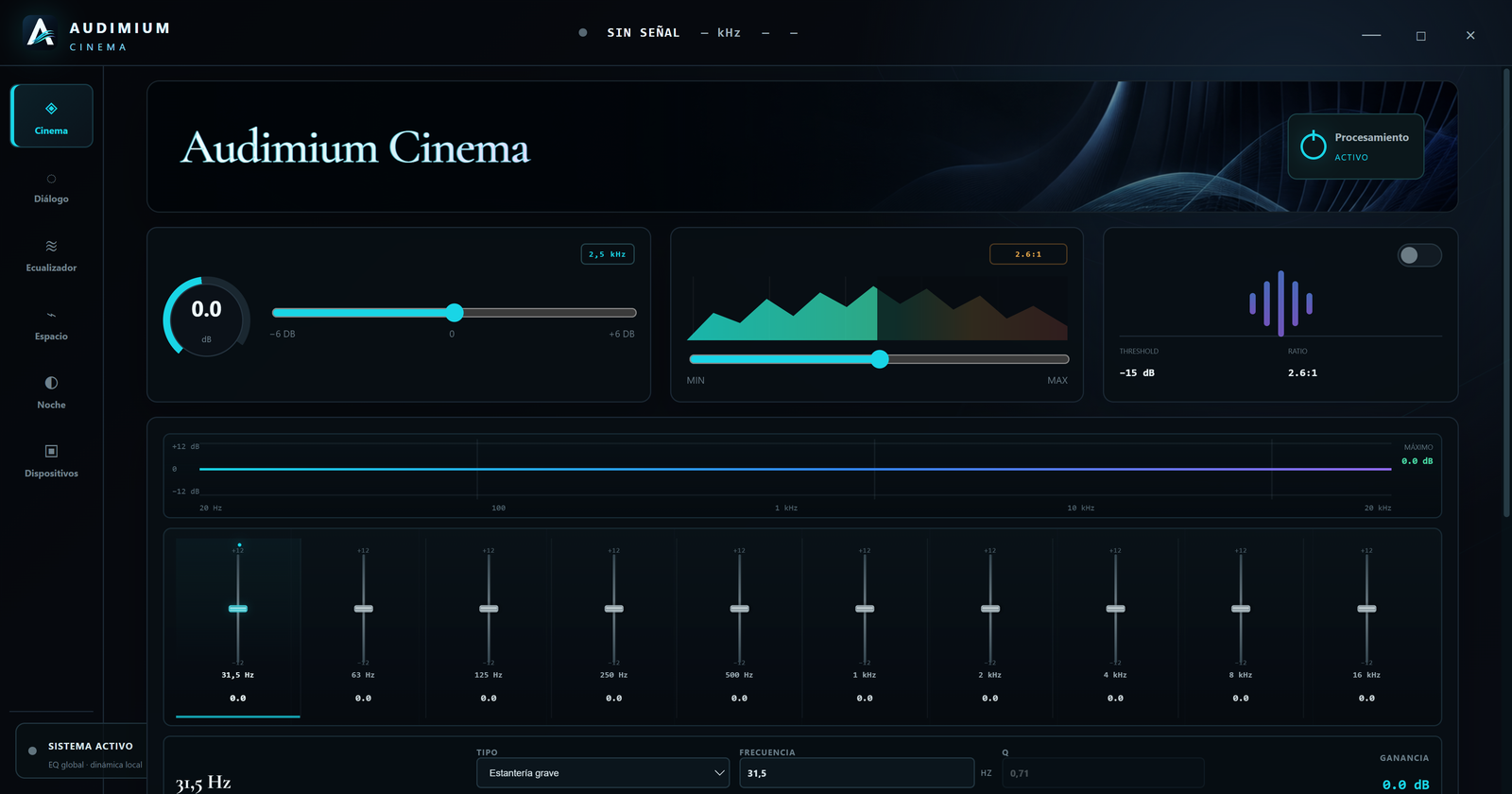
AUDIMIUM / CINEMA ENGINE
Direct, measurable controls to adapt playback to the room, content and moment.
Vocal-presence control designed to preserve natural tone while improving intelligibility.
Graphic equalization from 31.5 Hz to 16 kHz, with a genuinely flat baseline and precise control.
Night profiles and impact control adapt dynamic range without obscuring detail.
Visual analysis of system playback designed to accompany compatible external content.
Frequently asked questions
You need Equalizer APO configured for the compatible output you use. Activity in the analyzer alone does not confirm that processing is being applied to that output.
Yes. Cinema 0.7.5 captures the default Windows output through WASAPI, so content played by external applications can drive the analyser.
Yes. FLAC playback has been validated together with the equalizer, meters and visual analyser.
Processing is applied to the output configured through Equalizer APO. The visualisation uses a coherent representation of the captured signal; channel routing depends on the device and Windows configuration.
Project status
Check the requirements for your setup and find AUDIMIUM Cinema in Microsoft Store. Processing the Windows output requires Equalizer APO and a configured, compatible output.